
Cutting Optimisation
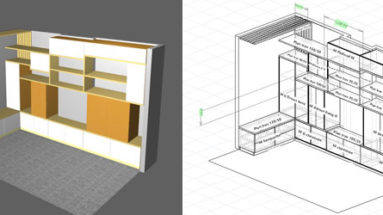
Furniture Design with Optimised Manufacturing: All-in-one Configuration
The biggest constraint to setting up a woodwork business is the initial cost of investment. This is particularly the case with furniture manufacture. Albeit on a smaller scale, it requires an industrial…
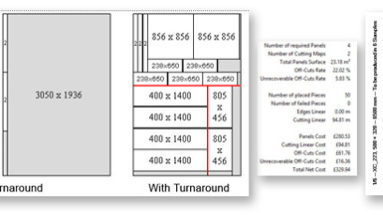
Best Optimization Software: What’s Right For Your Business?
What exactly is the best optimization software out there? Of course, this can be a question that has many answers, according to the priorities of your company or activity. First though, to…
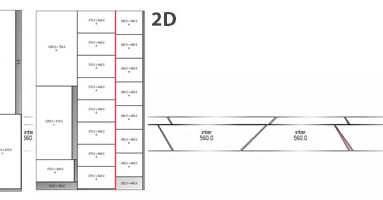
Cutting Software Buying Guide: Featuring OptiCut
Cutting software like OptiCut can be used for a vast range of materials that include sheet materials, bars and profiles. 2D and 1D Optimization Note that OptiCut is not only 2D cutting…
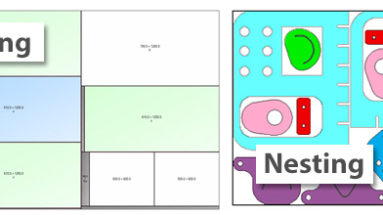
Optimization Software Solutions: Cutting Versus Nesting
The choice of using cutting optimization software or nesting software will depend on your material, your cutting facilities and the manufacturing process that you are using. Glass, Textiles and Steel Sheets Optimization…
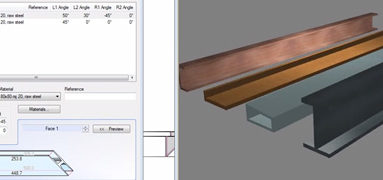
Bar Cut Optimizer Software: Affordable but very Effective
If you need to cut material parts from bars, profiles, tubes, boards, mouldings, etc., then OptiCut’s bar cut optimizer functions can save you enormous amounts of time material. Its cut optimizer is…
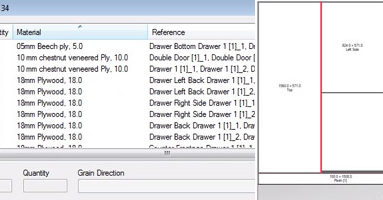
Sheet Cutting Software: Ultimate Power and Flexibility
If you are on the hunt for sheet cutting software, then you are probably fully aware of the benefits of optimizing your cutting operations…both in terms of real money and time savings….
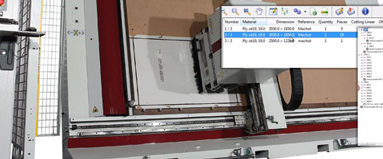
Board Cutting Software: Industrial Level Optimization
Carpenters and wood woodworkers will typically spend a lot of time cutting parts from boards, either bought as narrow strip material that has to be cut to length, or wider material that…

Wood Cutting Software To Streamline Your Work Flow
If your are building products from wood, then you are most likely using either manufactured sheet materials or materials that you can buy in certain lengths…boards, batons, mouldings, profiles, and so on….
- « Previous
- 1
- 2
- 3
- 4
- Next »